
From Zero to Hero in 10 minutes
Watch how to install and set up KBbridge from scratch, connect your Knowledge Base and start developing with AI in under 10 minutes.
Tips to get the most out of the editor
Short videos showing key KB Editor features in action. Click any of them to watch full screen.
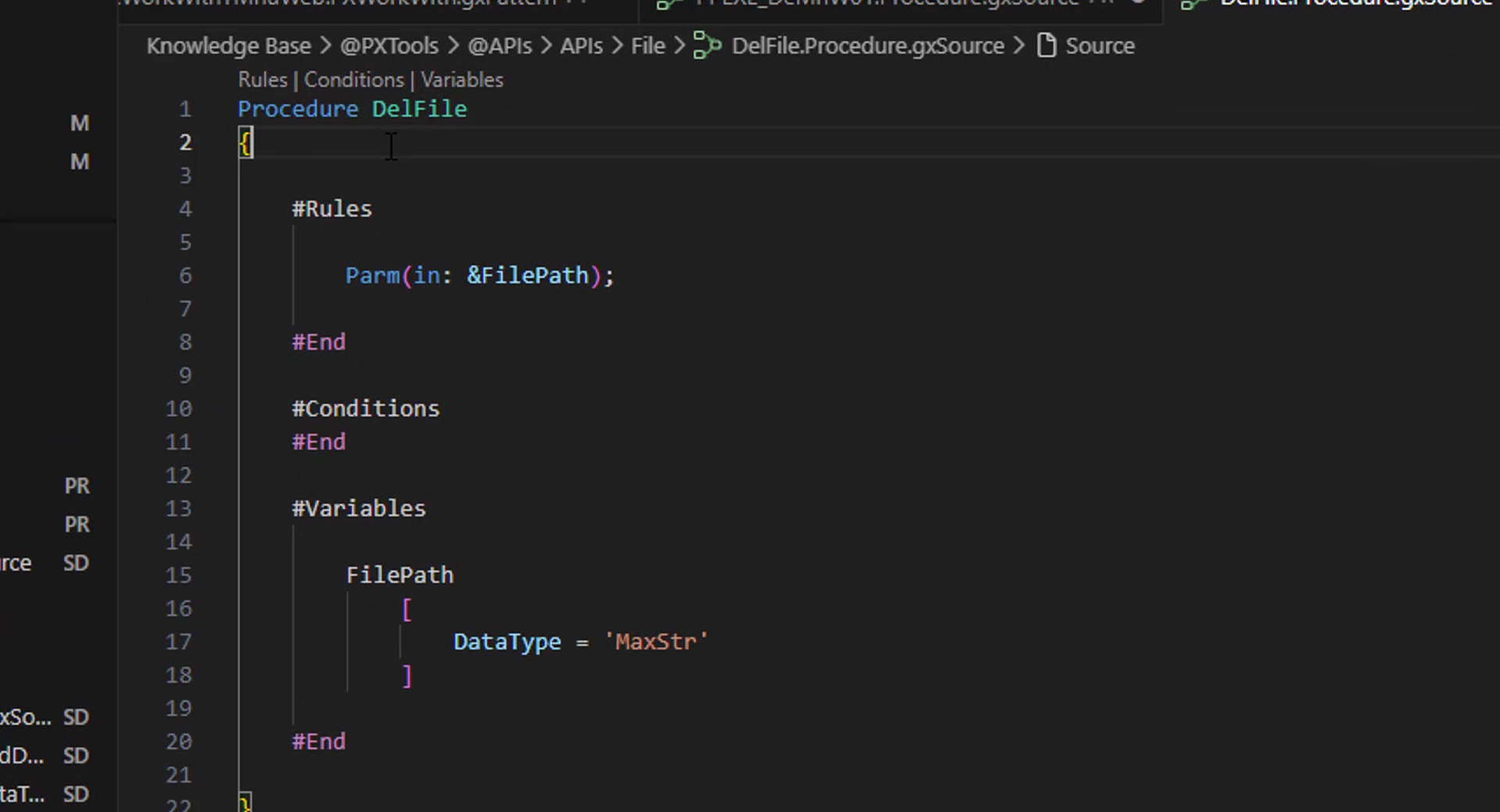
Syntax checking, variables & autocomplete
Real-time syntax analysis, on-the-fly variable creation, and smart autocomplete for attributes, variables and methods as you write GeneXus code — without opening the IDE.
 In English
Visual Form Editor — HTML Layout
The Visual Form Editor renders your HTML Layout Web Forms: drag controls from the Toolbox, insert User Controls and Free Style Grids, and tweak properties right inside KB Editor.
 In English
Visual Form Editor — Abstract Layout & MultiForm
Visually edit Abstract Layout and MultiForm forms: tabs per Form, add areas, User Controls with container regions, and property editing — all respecting GeneXus' native structure.