
We love GeneXus.
And that's why we won't stand still.
The platform that gave us speed for decades feels incomplete in the face of LLMs. KBbridge is our solution: connect your KB to a modern workflow and reclaim productivity.
What is KBbridge
KBbridge is a solution created by GeneXus developers for GeneXus developers that connects a Knowledge Base to a modern workflow based on flat files, advanced editing, and bidirectional synchronization.
Compatible with all GeneXus versions
KBbridge works with GeneXus 18, 17, 16, 15, XEv3, X, XEv1 and XEv2 — covering nearly two decades of ecosystem versions.
Compatible with any AI
Use Claude, ChatGPT, Copilot, Cursor, Gemini or any LLM as your AI development engine — directly inside the editor.





KB Sync
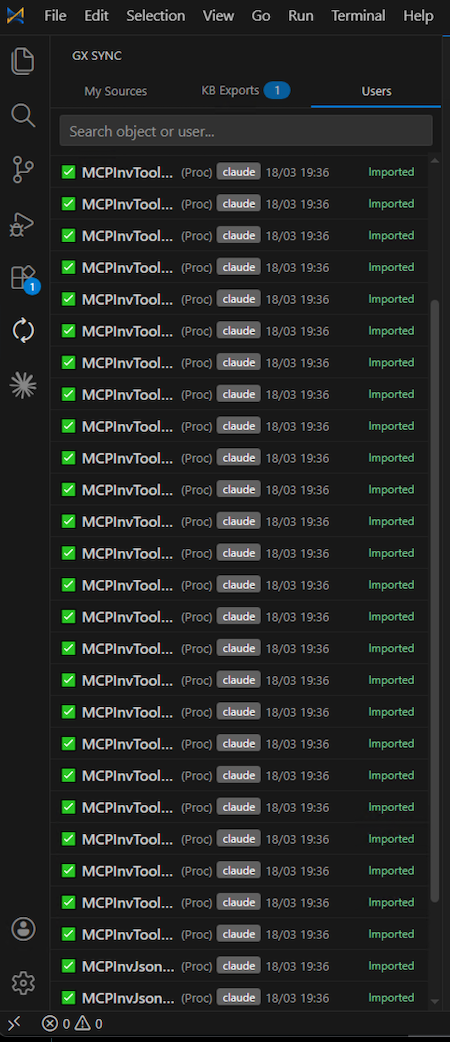
The engine that transforms GeneXus objects into flat files and keeps them synchronized with the Knowledge Base. It's the connection layer between the GX world and the external editing workflow.
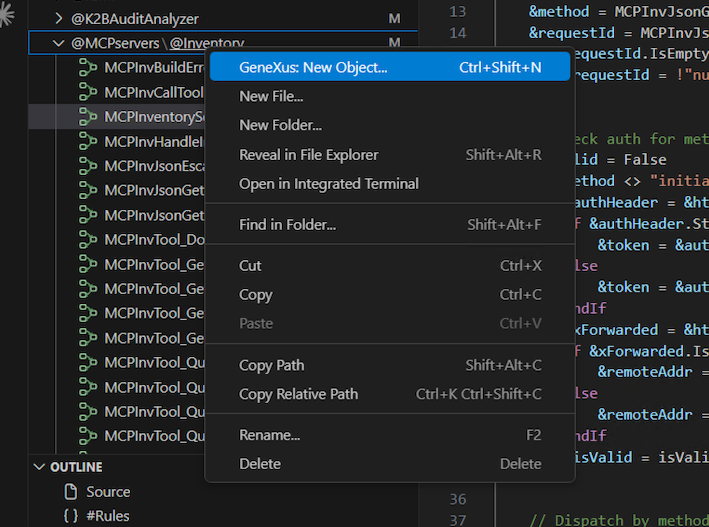
- ✦ Exports GeneXus objects to flat file representation
- ✦ Detects changes and synchronizes with the KB
- ✦ Preserves the link with the GeneXus model
KB Editor
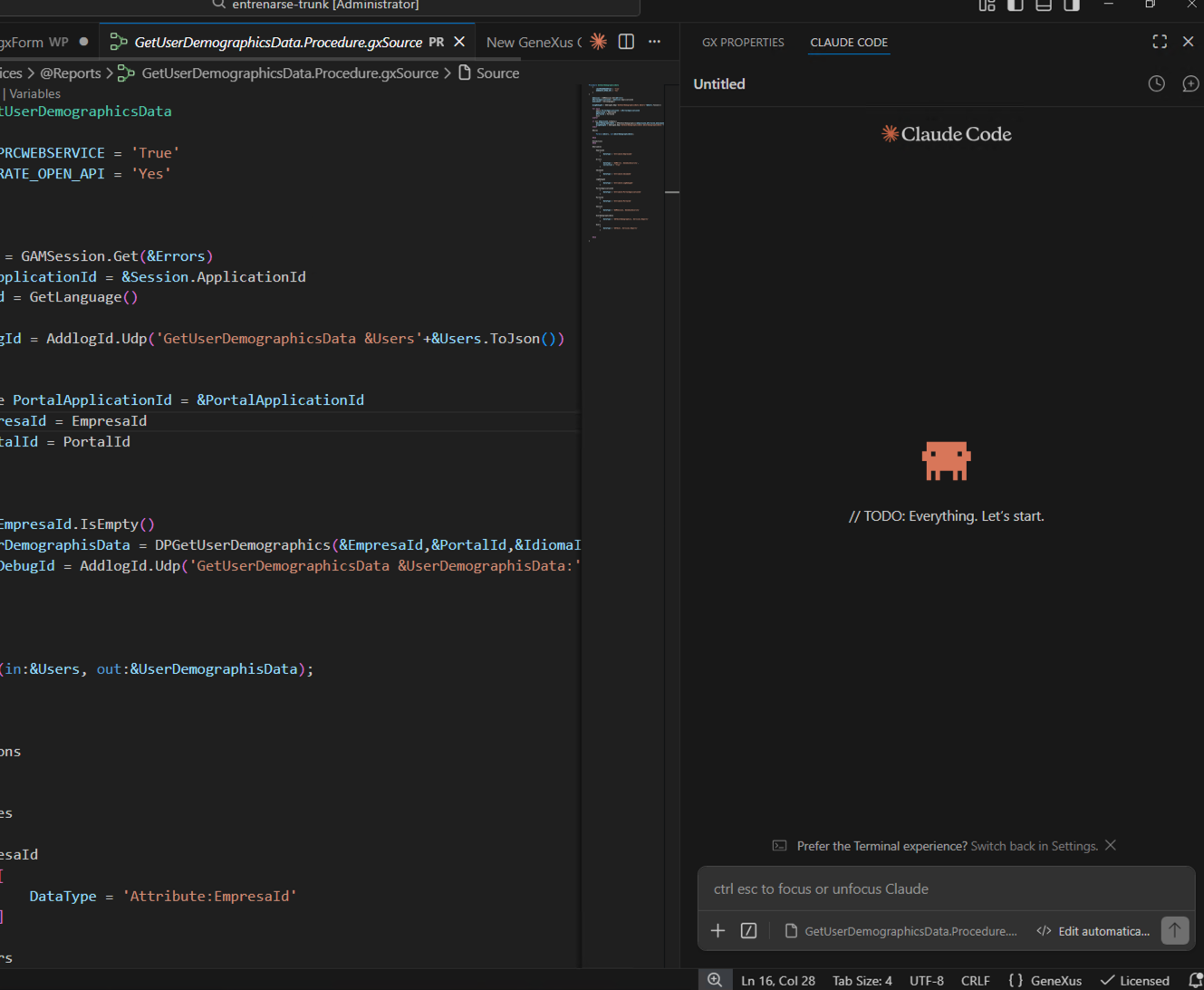
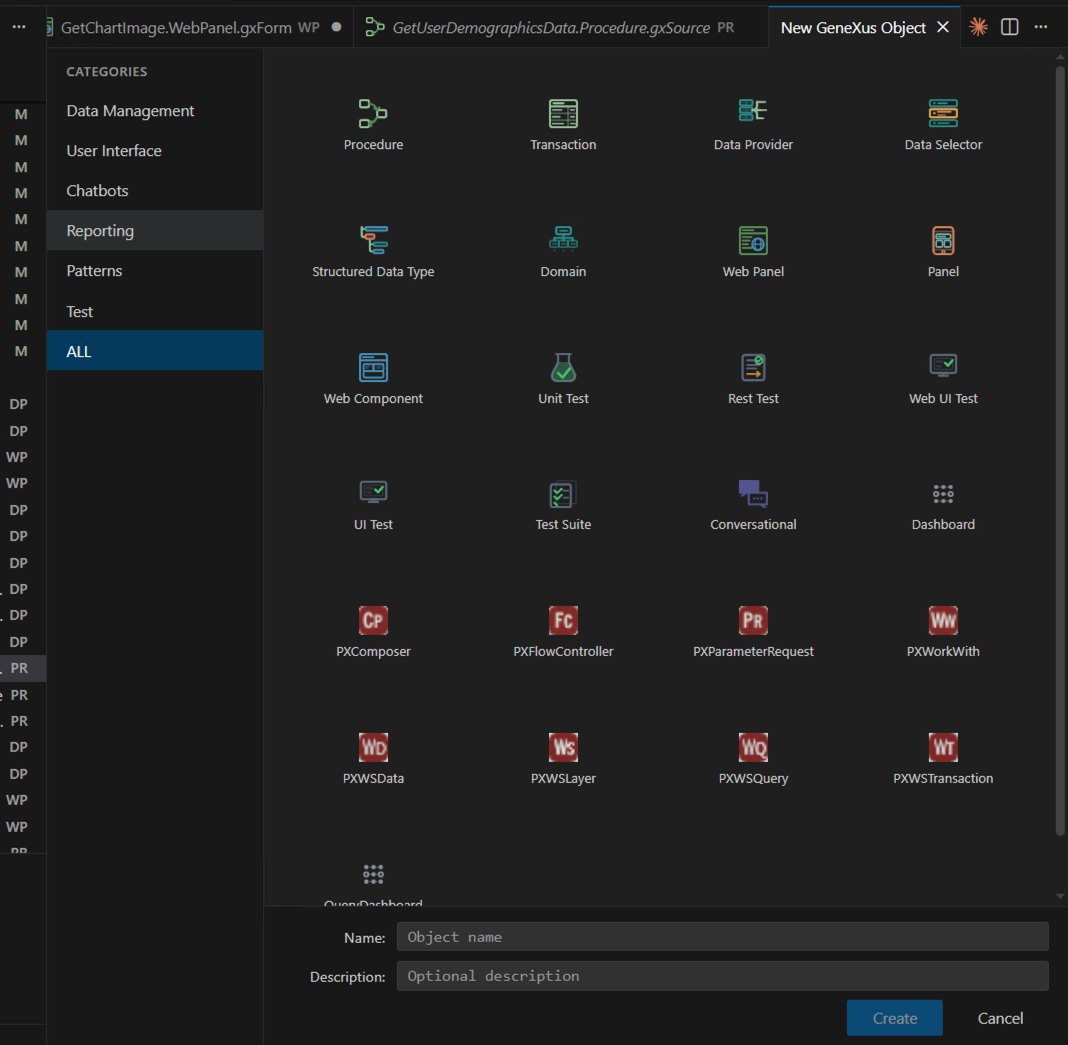
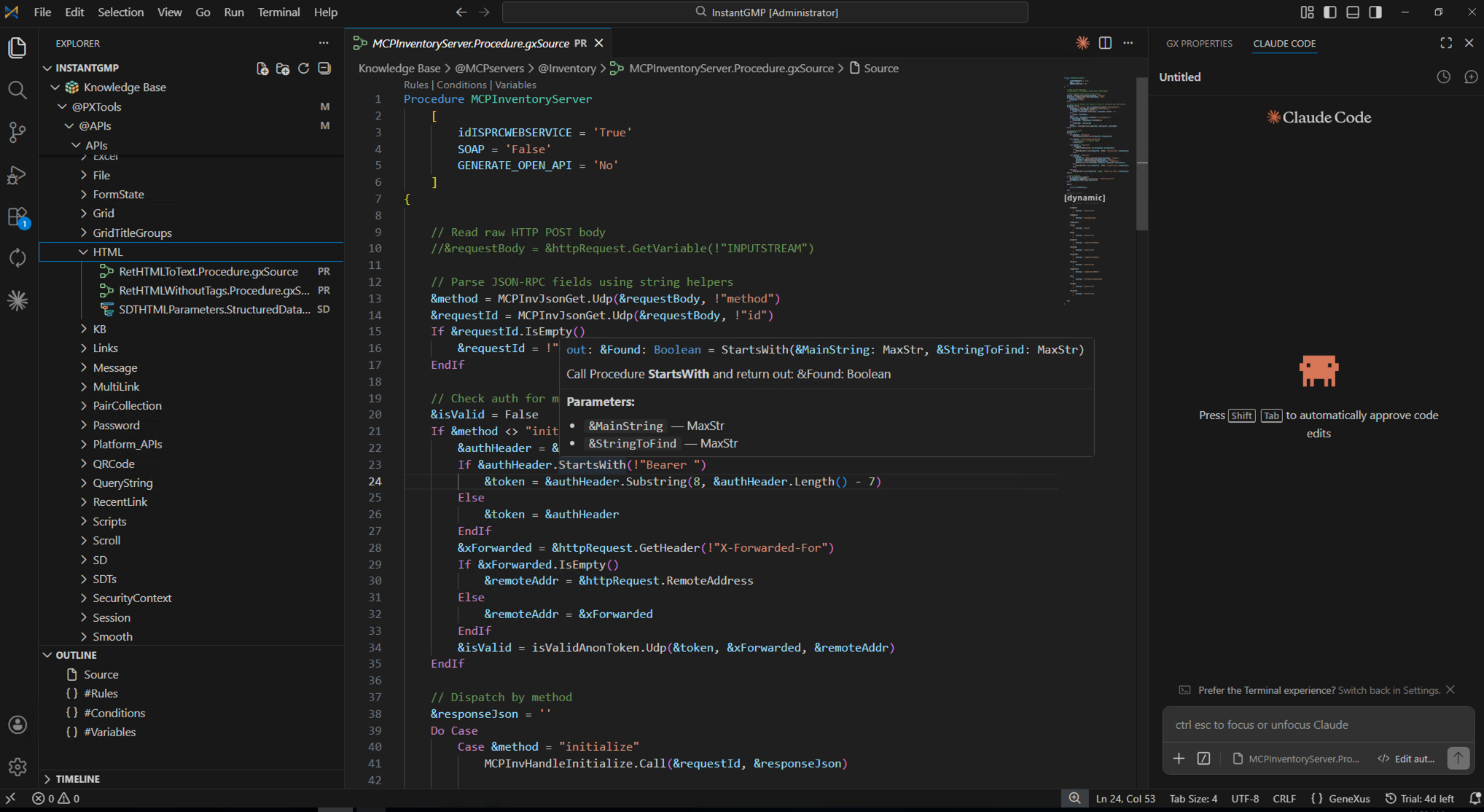
The work environment where files are edited with a modern experience, compatible with A.I. coding workflows. On save, changes are automatically synchronized with the KB through KB Sync.
- ✦ Modern and practical editing
- ✦ Compatible with A.I. coding workflows
- ✦ Change synchronization back to GeneXus
How it works
A simple flow designed to recover productivity without abandoning what you've already built.
Connect your KB
KB Sync connects to the GeneXus Knowledge Base.
Transformation
Objects are represented as flat files ready for editing.
Edit at speed
Work in KB Editor with modern flows and A.I. coding support.
Sync back
On save, KB Sync synchronizes the changes with the GeneXus KB.
Why it matters now
Before, GeneXus could win on speed against traditional stacks. Today, speed also depends on how well you integrate A.I. into your workflow. KBbridge closes that gap.

Reclaim productivity
Get back to developing at a competitive pace in the LLM era.
Without leaving GeneXus
Keep your investment, your KB, and your accumulated knowledge.
A.I.-ready
Enable real A.I. coding workflows in a GeneXus context.
Made by the community
Designed by people who have lived GeneXus for decades.
Practical approach
A concrete solution for a concrete need, no smoke and mirrors.
Bridge, not a break
Integrates the best of the GX ecosystem with modern tools.
What the community says
Real cases from teams that are already recovering their development speed.
With a simple prompt I gave Claude, connected to KB Editor, in just 6 hours I had an MCP ready, generated directly in GeneXus, without needing Node.js or Python. Truly incredible.
Angelo Nardone
CTO, InstantGMP
Chatting with my AI inside KB Editor, it found and fixed in less than an hour a bug we had been unable to identify for months. I gave it access to the code and error logs, went for a coffee, and when I came back everything was solved… and even tested by the AI itself.
Fernando Leyendeker
Director of Development, entrenar.se
I'm truly impressed with this new KBbridge paradigm. Not only is it helping us migrate installations, but it also allowed us to create new workflows, like integrating GeneXus with GitHub. And on top of that, it helped us develop a KB Editor plugin for our PxTools pattern in less than two days.
Juan Marcelo Bustamante
President, PuntoExe — Creator of PxTools
Frequently Asked Questions
Does KBbridge replace GeneXus?+
No. KBbridge is designed to enhance GeneXus development, not replace it. The idea is to connect the KB with a modern, A.I.-compatible workflow.
Why the focus on flat files?+
Because they enable a much more natural interaction with modern editors and A.I. coding tools, while still maintaining the ability to synchronize with the Knowledge Base.
Is it only for large teams?+
Not necessarily. It can be valuable for individual developers as well as teams that need to recover speed and modernize their GeneXus workflow.
Why is the number of externalized files different from the total number of objects in the KB?+
Not all objects are externalized (for example: Files, Images, Modules), although some will be externalized in future versions (for example: Themes, Design Systems, and others).
Frustrated with the present, but believe in the potential?
Let's talk. KBbridge was born for that community: the one that doesn't want to abandon its history, but doesn't want to fall behind in the new era of A.I. development either.
Uniting worlds.
Special thanks to PxTools and its creator Juan Marcelo Bustamante for sharing some of their proprietary libraries with us and trusting KBbridge as a development platform.