
AI is accelerating attacks. Control of your Knowledge Base cannot fall behind
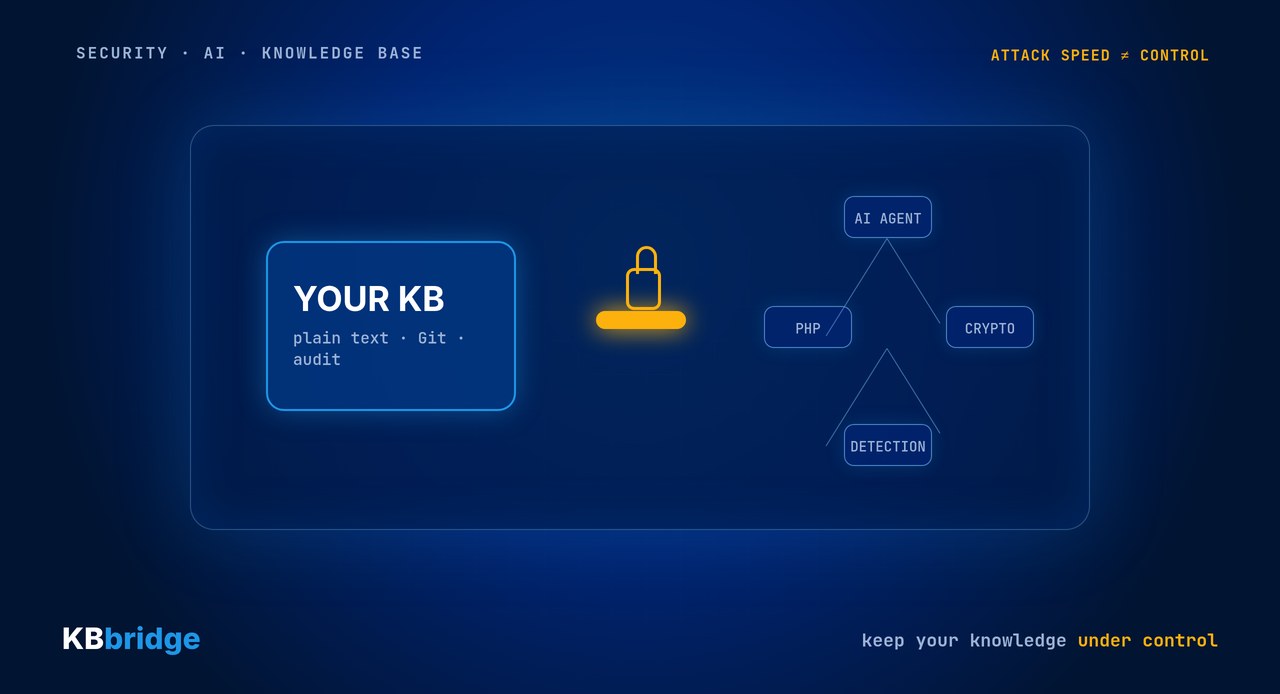
Over the last two weeks, several security stories from very different parts of the industry pointed to the same underlying shift: the speed of attack and detection is increasing.
The most visible case was Binance. On October 29, the platform suffered a theft of digital assets valued at roughly $6.3 billion. According to early company reports, the campaign may have started with a fake job interview, tampered software installed on engineers’ machines and later use of an internal AI tool to move toward wallet-related systems. The FBI attributed the attack to the North Korean group TraderTraitor; the investigation still has open questions about the exact role of AI.
At the same time, security teams and researchers continued to detect exploitation of critical PHP and Node.js vulnerabilities. The useful conclusion is not that “AI hacks everything,” nor that every alert was generated by AI. It is this: attackers can use AI to find and chain paths faster, while defenders need AI and automation to review more code, prioritize signals and respond sooner.
The problem is not only the model: it is what the model can reach
An AI system with access to data, tools, credentials and memory is not just a chatbot. It is an operational surface. The risk depends on four concrete questions:
- Where does the agent run?
- Which networks can it reach?
- Which secrets and permissions are available to it?
- Which changes can it apply without review or validation?
The Binance incident, as reported, combines social engineering, compromised software, internal permissions and high-impact systems. The PHP cases are different: known vulnerabilities can move from disclosure to exploitation at a speed that leaves little room for manual processes. In both cases, control does not come from adding a filter at the end. It comes from shrinking the blast radius by design.
The new race: discover faster and fix better
A McKinsey report published in recent days describes the shift: frontier models can read code and configurations with a security mindset, produce working exploits or deploy agents that search for vulnerabilities at scale. The bottleneck is no longer only finding flaws. It is fixing them, validating the fix and preventing the same flaws from returning.
That changes the workflow:
- The system needs continuous observability, not only an annual audit.
- AI can help detect patterns, compare changes and prioritize risk.
- AI output cannot go straight to production or modify critical knowledge.
- Every proposal must be versioned, reviewable and reversible.
- Credentials, tools and network access must have the smallest scope possible.
Speed helps only when it comes with control. A fast agent with excessive permissions is not a defense; it is a faster way to widen the incident.
Why your Knowledge Base is part of security
In a GeneXus system, the Knowledge Base contains business decisions, models, rules and structure. That is why it is not enough to ask whether generated code is protected. You also need to know:
- who can read the KB;
- which agent or tool can propose changes;
- what information leaves the infrastructure;
- how every modification is audited;
- what validation happens before writing back.
If AI works on an opaque KB, with broad permissions and no diff, an error can be hard to detect. If it works on readable, versioned and reviewable text, the team can inspect the proposal before it affects the system.
How KBbridge complements that control
KBbridge is designed to connect a Knowledge Base to a modern AI workflow without turning business knowledge into a third party’s black box.
- Externalization happens locally, on your machine and inside your network.
- The KB Editor documentation engine runs offline, with no API keys or outbound traffic for that part of the GeneXus context.
- You choose the LLM, including a self-hosted or air-gapped model when data residency requires it.
- The KB remains text in Git, with author, date, diff, review and rollback.
- Synchronization is bidirectional with validation before writing changes back to the KB.
This does not replace a security program, a SOC or professional review. It complements those controls by making visible something many AI integrations hide: what was proposed, what changed, who approved it and what ultimately enters the Knowledge Base.
It is the same architecture we explained in “Your Knowledge Base, AI, and control of your data”: the point is not to trust a tool blindly, but to answer where your knowledge lives, what leaves your perimeter and how you regain control after an incorrect change.
A short checklist for reviewing your AI workflow
Before giving an agent access to a KB or a critical system, ask:
- Can the agent read and write, or are those capabilities separated?
- Is there human approval before every impactful change?
- Is output validated outside the model with rules, tests or the destination engine?
- Are instructions separated from retrieved data?
- Is the MCP server or plugin versioned, isolated and audited?
- Can you reconstruct a complete execution and roll it back?
- Do you have limits on network reach, time, steps, cost and credentials?
The important discussion is not whether you will use AI. Most teams are already incorporating it in some form. The discussion is which architecture you will give it.
AI can help you detect vulnerabilities earlier, explain changes and accelerate response. But for that speed to be an advantage, your Knowledge Base must remain readable, versionable, validatable and yours.
Sources
- Reuters / Nikkei Asia — Binance hackers used fake job interview and tampered software in $6.3bn attack
- BBC News — Binance users withdraw $3.6bn after record crypto heist
- CoinDesk — CZ warns of more AI-driven hacks following Binance’s historic heist
- McKinsey — How frontier AI is rewriting software security rules
- AWS Security Blog — Amazon Threat Intelligence identifies PHP2Shell exploitation prior to public disclosure
How you try it
To see how a Knowledge Base can work with AI, local documentation, text in Git and validation before writing back, start with Getting Started. There is a 15-day free trial, no card required, at kbbridge.com.